The assistant who knows your business
What should I pay attention to today?. Remind Dilshod tomorrow. What changed in the projects?
Write or talk in Telegram. Miyya knows your company and answers.



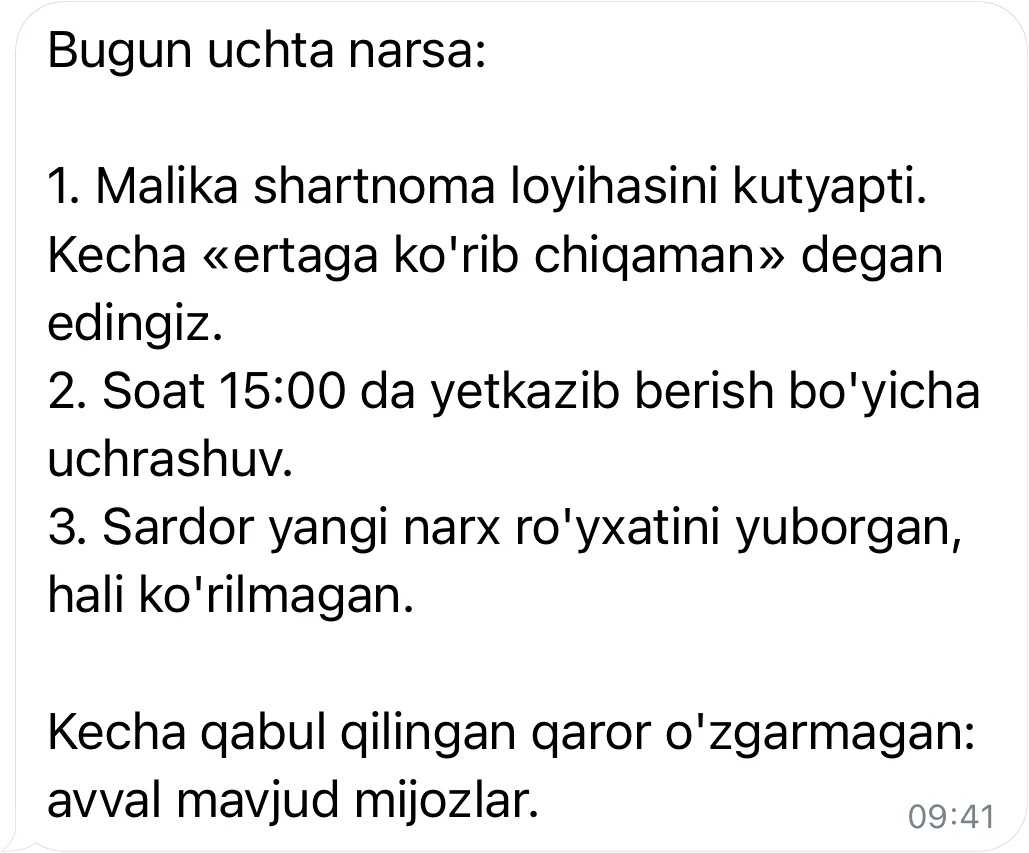



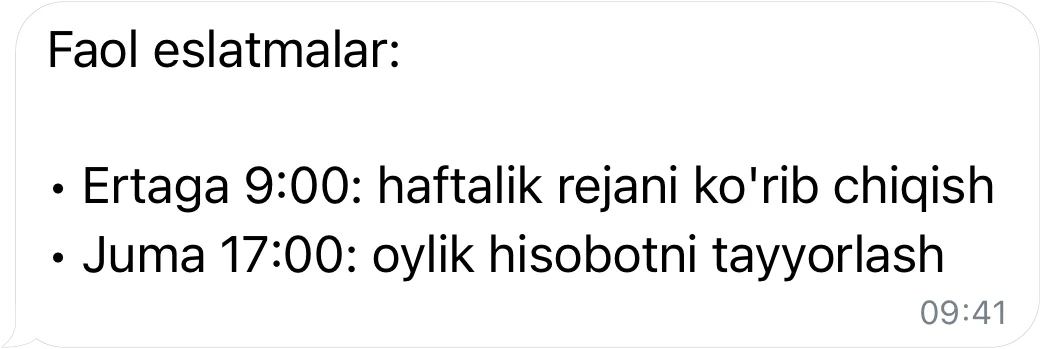



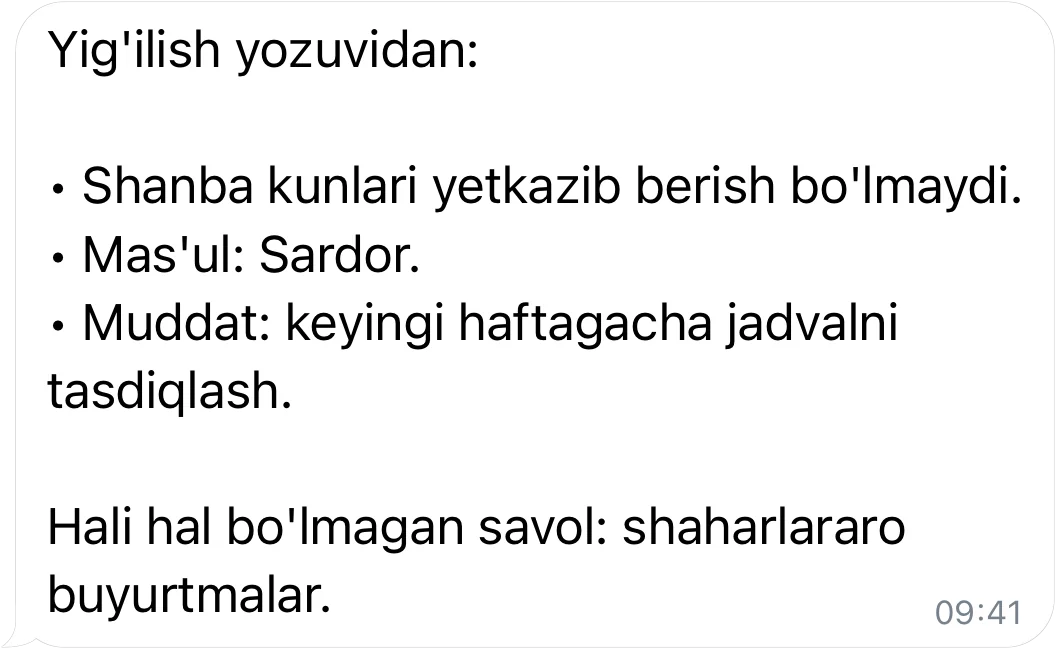

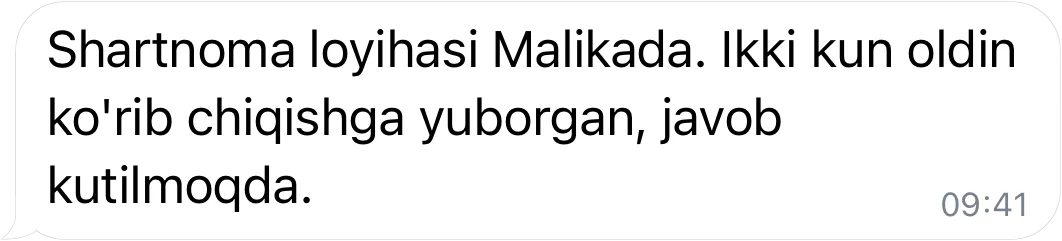

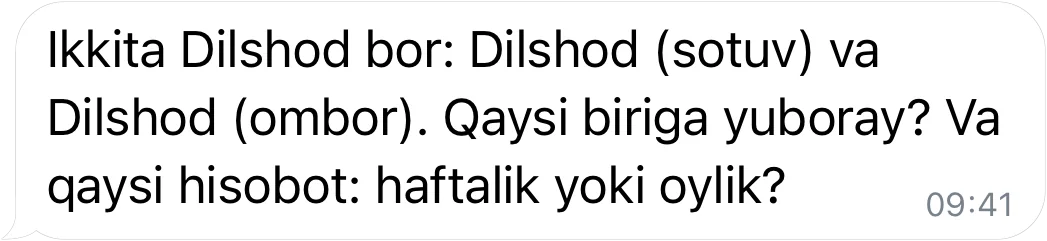

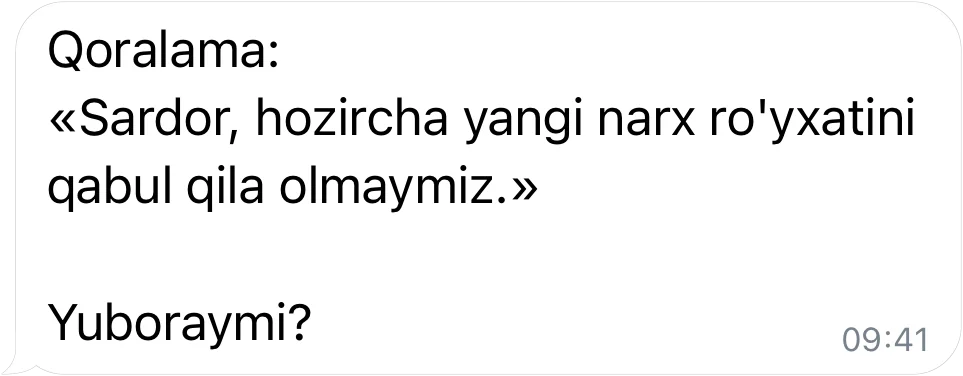
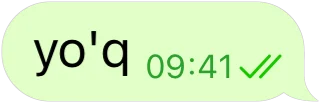



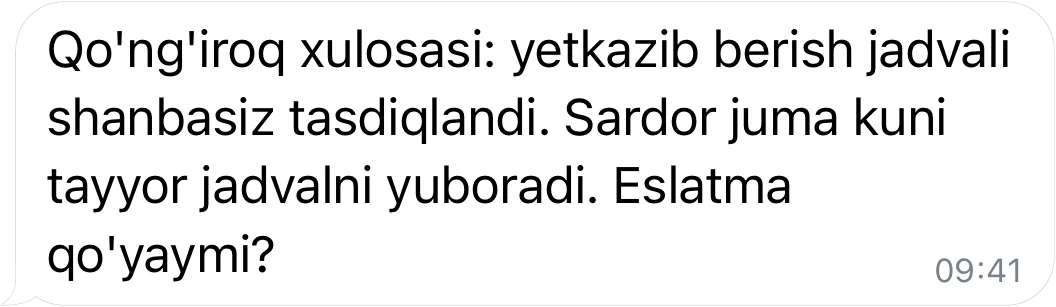

The owner asks what needs attention today and Miyya lists three things
- You: What do I need to pay attention to today?
- Miyya: Three things today: 1. Malika is waiting for the contract draft. Yesterday you said "I'll review it tomorrow". 2. A delivery meeting at 15:00. 3. Sardor sent a new price list, not yet looked at. Yesterday's decision still stands: existing customers first.
Start the day with a question: Miyya lists what you did not want to miss, in order.
01 / What it does
What Miyya does for you
Chasing reports, setting reminders, remembering “what did we agree?”: it all eats your time. Miyya takes that load off you.
No new app to learn
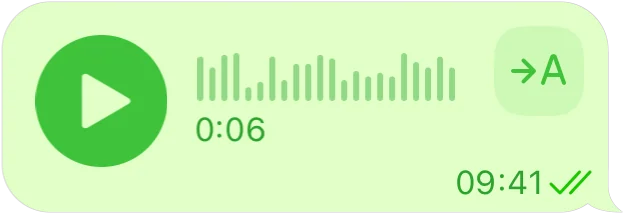
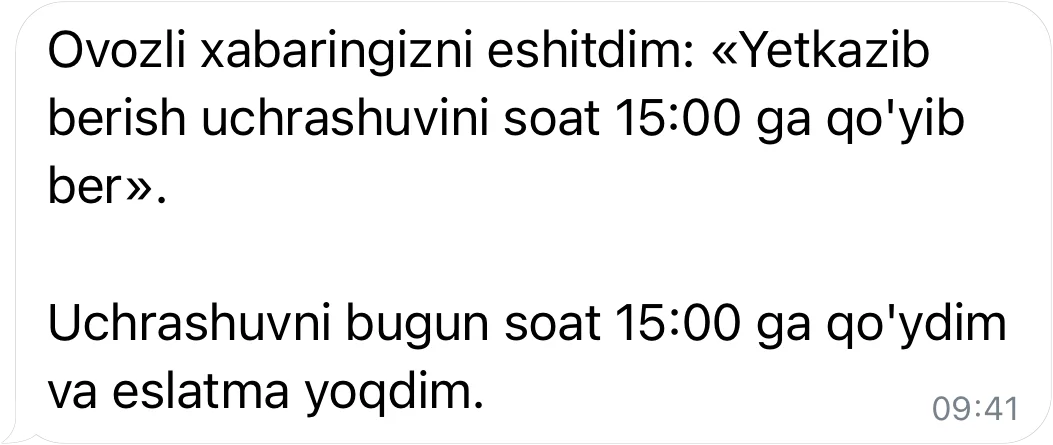
You write or send a voice message in the Telegram you already use. The reply comes back there.
Hands full? Call
A live phone call in Uzbek: you call the assistant, or it calls you.
Remembers your company
Projects, documents, decisions and the team in one memory. Ask “what did we agree on this?” and the answer comes from that memory.
Sends nothing without your say-so
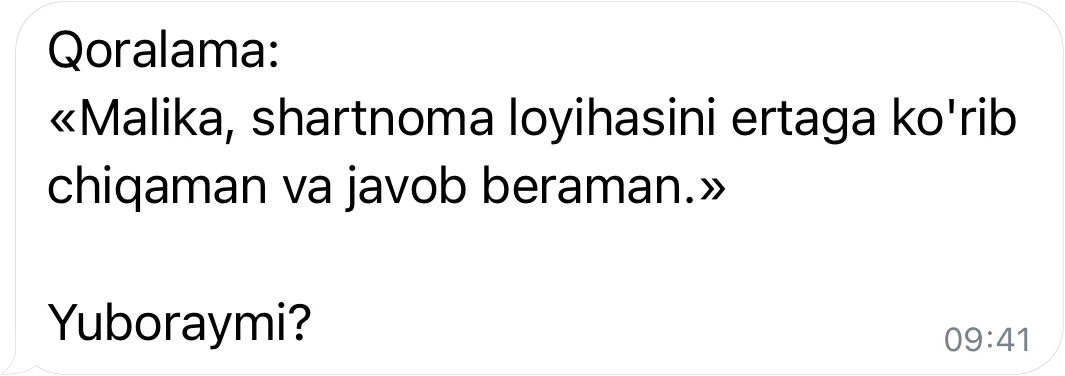
Sets reminders. Before sending on your behalf it asks “Send it?” and sends only after a clear “yes”.
02 / Solution
Not off-the-shelf software. We build it around your business.
We start with a small test on one real task. After launch we stay with you.
Today
What changes in your working day
- One message in the morning and you know how the day stands.
- In a meeting, ask “what did we agree?” and the answer is ready.
- Call on your way and talk in Uzbek.
- No need to remember: Miyya sets the reminder and tells you itself.
- No time to type? Send a voice message.
- No more asking the team again and again: who is doing what is in the memory.
- Nothing goes out in your name until you clearly say “yes”.
On request
Built around your business
- We connect it to your CRM, 1C or Bitrix24.
- Reports follow your own figures.
- Memory fills from your documents and projects.
- Separate permissions for the team and an action log.
- A separate copy that works only for your company.
We choose where to start together in the consultation, then test it in a pilot.
03 / Getting started
How it starts
No big promises: a small trial first, then your decision.
Consultation
A short call: we learn about your business and choose together where to start.
Pilot
We try it on one real task, such as a morning plan or a report. We measure time and errors and report every week.
Rollout
If you like the result, we roll Miyya out across the company.
04 / Privacy
How your data is protected
Data goes to foreign AI services
Requests are sent to AI services abroad (Claude, Gemini). We say this upfront.
Guests only read
Guest mode is read-only. It changes nothing.
Nothing is sent without your “yes”
Before sending on your behalf, the assistant asks and waits for a clear “yes”.
Passwords and secret keys stay out of replies
A filter keeps file paths and secret keys out of replies.
What we take at the start
Only open work documents. We do not take passwords, tokens or personal data.
05 / Consultation
See it first, then decide
On a short call we learn about your business, show you live what Miyya can do today, and judge together whether it fits. If it does not, we will tell you plainly.
Get a consultation06 / Request
Get a consultation
Leave your number. We will call briefly and tell you where it makes sense to start.